
Copy Trading & Bots
OKX Spot vs Futures Copy Trading: How Your Money and Risk Differ
Compare OKX spot and futures copy trading before following a lead trader: what you hold, how margin changes loss risk, what Smart Copy means, and which settings to check.
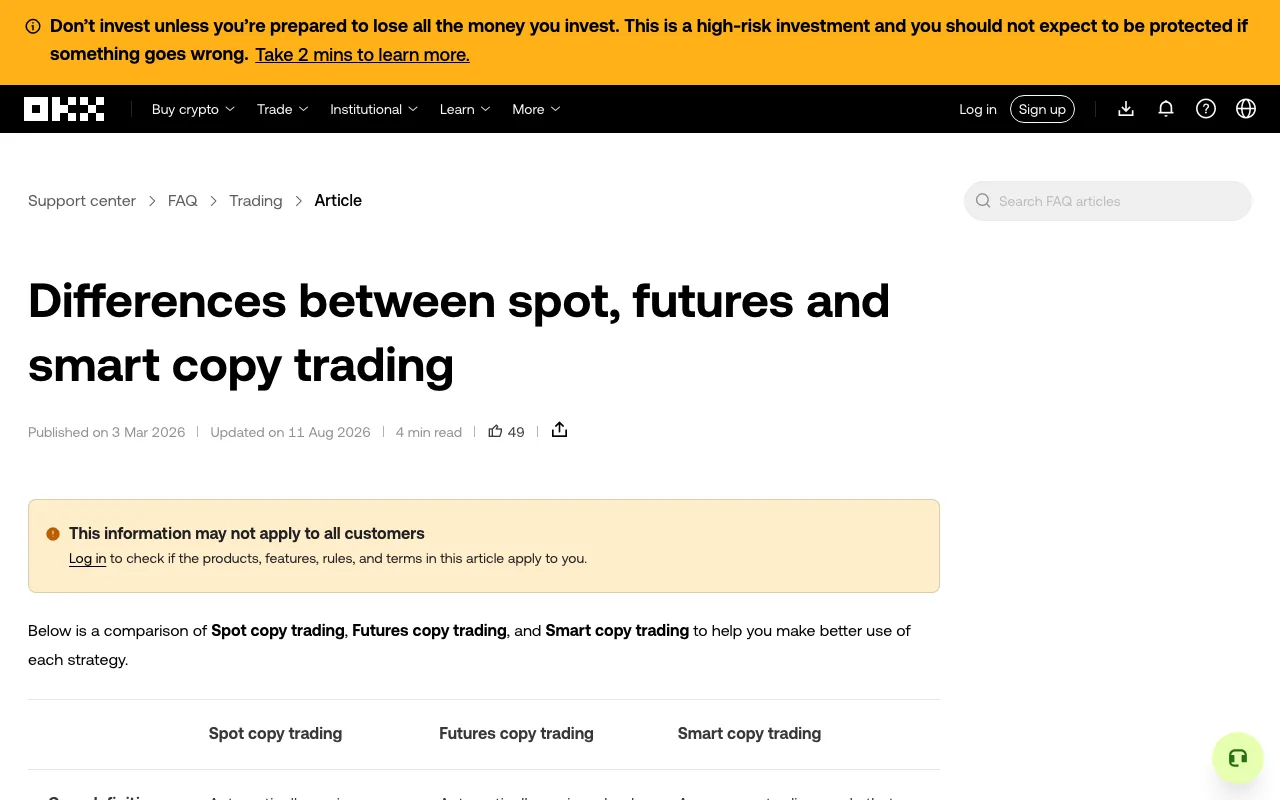
OKX spot copy trading and futures copy trading expose your money to different kinds of loss. A spot copy buys or sells an asset in your trading account. A futures copy follows a contract position that can use margin and leverage. Before choosing either, check what the lead trader trades, how much of your own capital can be committed, and what remains open if you stop copying. Product availability and controls can differ by region and account.
Screenshot of OKX's official comparison page, captured September 29, 2026. It shows the page title and comparison headings, not a trading account or a recommendation.
What are you actually holding?
With spot copy trading, the copied buy order acquires crypto. Its market value can fall, and you can lose the amount committed to the asset, but the ordinary spot copy described in OKX's comparison does not use margin. The purchased asset remains in the trading account; it is not the same thing as an unspent cash balance. You can review it and, where the product permits, sell it yourself rather than waiting for a lead trader's sell signal.
With futures copy trading, you follow a derivative position. The amount reserved as margin is not the full value of a leveraged position. Price movement can therefore produce a much larger percentage gain or loss on that margin. A futures position may face liquidation, and perpetual contracts can incur or receive funding while held. Those mechanics matter even if the lead trader's historical return looks attractive. If margin mode or liquidation is unfamiliar, learn those mechanics before considering a futures copy.
Neither mode makes a lead trader responsible for your loss. Copied orders can fill at a different price from the leader's orders, or fail to copy. A visible profit history is not a promise about your entry price or eventual result.
Compare the decisions you must make
| Question | Spot copy | Futures copy |
|---|---|---|
| What is copied? | Buy and sell activity in the underlying asset. | Opening and closing contract positions. |
| What is at risk? | The market value of crypto bought with your allocation. | Margin supporting a leveraged position, plus any other collateral exposed by the selected margin mode. |
| What needs checking before a copy? | Asset choice, total allocation, amount per order, and how held assets are sold. | Contract, direction, leverage, margin mode, position size, liquidation risk, and how positions close. |
| Can you manage an open copy yourself? | OKX says copied spot assets can be sold manually. | OKX says copied futures positions can be closed manually; execution price can differ from the displayed price. |
These are operating differences, not a ranking of which mode will earn more. Spot avoids the added mechanics of contract margin, but a spot asset can still lose substantial value. Futures adds liquidation and funding questions that a beginner must understand before copying. Check the current product screen and terms for your jurisdiction; a public help page does not establish that a feature is available to you.
Where does “Smart Copy” fit?
The word smart describes a copying method, not a safety rating. OKX's comparison page describes Smart Copy as allocating an investment according to the lead trader's capital use and syncing some position settings. It can apply to spot or futures products, so “Smart Copy” alone does not tell you whether you own an asset or hold a leveraged contract.
For Spot Smart Sync, OKX's separate product guide says the investment is set aside for the copy relationship. It also describes a “Buy existing assets” option: enabling it can buy assets the leader already holds at the current market price. That is a different entry from waiting for the next new buy. The guide notes that changing an existing custom copy into Smart Sync is not supported as a simple settings switch. Verify the mode and any existing-asset option before confirming; labels and eligibility may change.
For futures, automatic syncing of a lead trader's settings can make setup quicker, but it also means you need to understand the copied margin and position behavior. Do not treat fewer fields to fill in as less risk to bear.
A five-minute check before you press Copy
- Identify the product. Open the full lead-trader profile and confirm Spot or Futures. If the screen says Smart Copy, inspect which underlying product and copy mode it will use.
- Set a loss budget in money terms. Decide the largest loss you could absorb without affecting essential expenses. Compare that amount with your total investment, the amount per order, and any total stop-loss setting. A stop-loss is a control to review, not a guarantee of an exact exit price.
- Review the leader's history without treating rank as proof. Look at drawdown, order history, traded assets, and the period behind the displayed return. Our lead-trader review checklist explains what each metric can and cannot tell you.
- Read the confirmation screen. OKX's copy order guide describes amount-per-order, maximum total amount, and advanced controls such as contract, margin mode, leverage, and stop-loss settings. Confirm the actual values shown for your account rather than copying a tutorial's numbers.
- Know how you will leave. Find your ongoing copies and the control for stopping new copied trades. Stopping the relationship and handling an existing position are separate decisions. Our guide to stopping OKX copy trading walks through the position check and exit choices.
If you cannot explain what could remain open after you stop copying, pause before starting. Practising how to read the order and position screens is more useful than rushing to follow a high-return profile.
What costs can change the comparison?
The displayed trading result may differ from your own result because of execution price, trading fees, any applicable profit share, and, for perpetual futures, funding. The exact charges depend on product, account, leader, and current terms. Review the fee information on the confirmation and order-history screens. A small historical performance difference between two leaders can disappear after costs; our copy-trading cost guide explains the components without assuming a universal fee.
Which should a beginner choose?
Start with the risk you can identify and monitor. If you do not understand margin, leverage, liquidation, and funding, futures copy trading is premature. Spot copy trading removes those derivative mechanics but still exposes the funds used to buy crypto to market loss, execution differences, and the lead trader's decisions. Choosing neither is reasonable until you can review the setup and exit path yourself.
Sources checked September 29, 2026: OKX comparison of spot, futures and smart copy trading; OKX copy order guide; OKX Spot Smart Sync guide. Product screens and rules may change. This independent guide is educational and is not investment advice.