
Getting Started
OKX Demo Trading Limits: What You Can Practise and What Only Exists in Live Mode
Demo mode on OKX covers spot, margin and futures practice and even Signal bot, but the help pages stop there: virtual profits never leave demo, deposits and withdrawals are out of scope, and the reset only works with no open positions or pending orders.
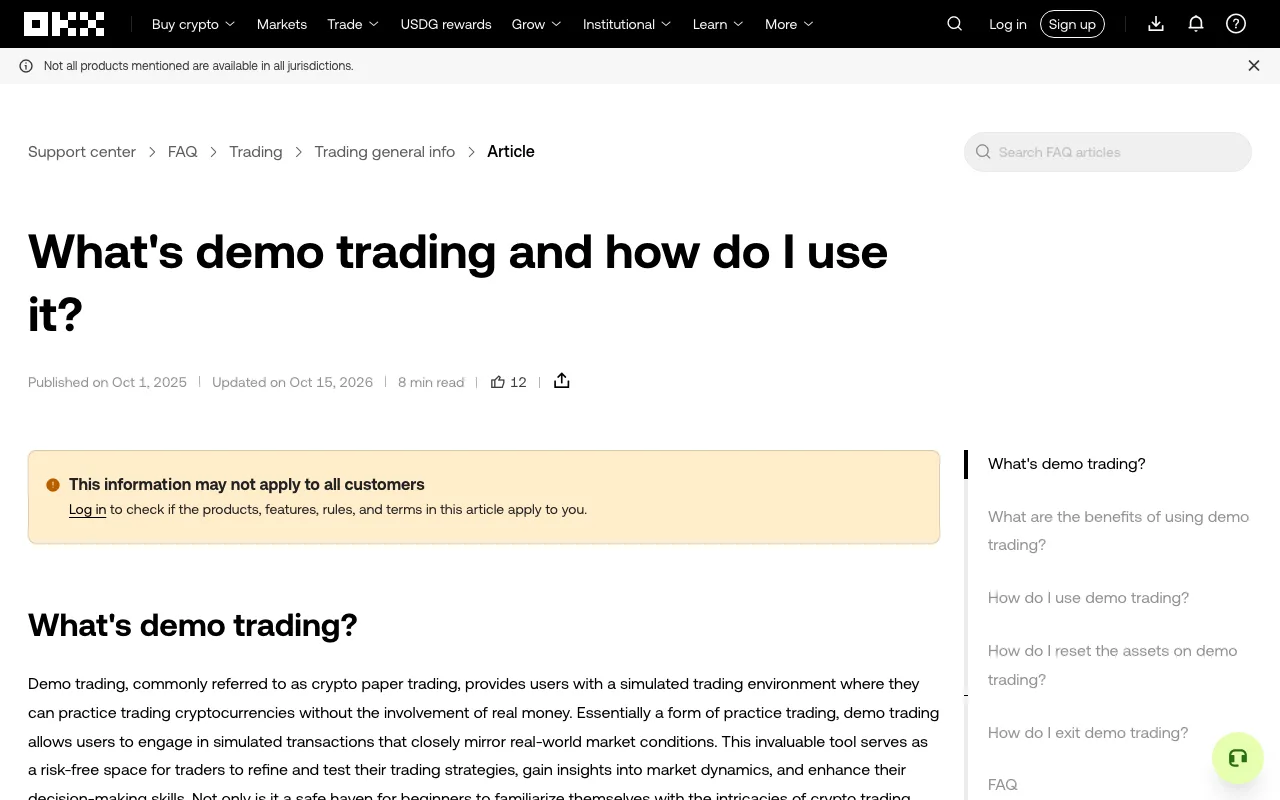
Demo trading on OKX is often described as "the exchange, but with fake money". That is half true. The order book, the charts and the matching behaviour are simulated against real-time market data, but demo mode is a smaller version of the platform: some products appear, some do not, and a few behave differently enough to mislead you when you switch back to live trading. Here is what OKX's own help pages document, and where the practice ends.
Nothing you earn in demo mode leaves demo mode
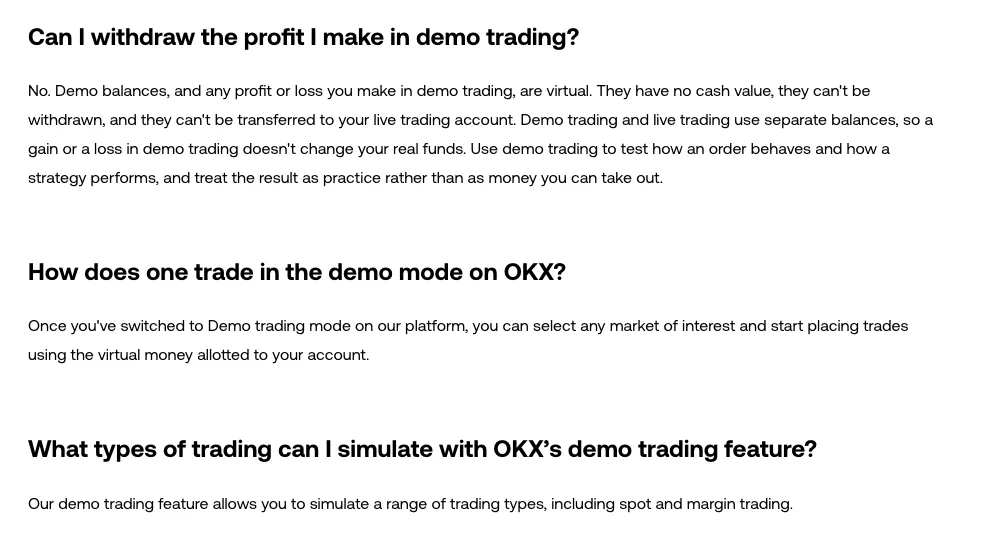
The first thing to settle is the money. OKX's demo trading FAQ is blunt about it: demo balances and any profit or loss are virtual, have no cash value, cannot be withdrawn, and cannot be transferred to your live trading account. Demo and live use separate balances, so neither a winning streak nor a blown account touches your real funds.
That also means deposits and withdrawals are not part of what you can rehearse. The demo account is funded with virtual assets that you top up by resetting, not by transferring. If you want to practise the parts that do involve real money movement, the safe rehearsal is a small test transfer on your live account — the process is covered in our checklist for depositing crypto on OKX.
Which products the help pages list
The regional help pages do not describe the same scope. The US-facing article answers "What types of trading can I simulate with OKX's demo trading feature?" with "spot and margin trading", and notes that the feature is available on the web. The EU-facing version of the same article lists "spot, margin, futures and options trading" and documents an in-app route through the User Center menu.
Both pages sit under a banner reading "Not all products mentioned are available in all jurisdictions", which is the practical explanation when a guide shows a demo entry point your own app does not have. Before assuming something is broken, check the help article for your region, then look for the demo switch in the place that article describes rather than the one a video showed.
Futures are the product most people come to demo mode for, and the help centre does describe demo futures separately — practising contracts to buy or sell an amount of crypto at a future date and price. If the vocabulary of that sentence is doing a lot of work, read how OKX futures contracts, leverage and funding actually fit together before you open the demo position, not after.
Signal bot runs in demo — with its own plumbing
Automation is the part of demo mode that genuinely surprises people. OKX's Signal bot FAQ documents a demo path: log in, go to Trade > Demo trading, then Trade > Trading bots > Marketplace, and create a Signal bot there.
Three differences matter if you are testing TradingView alerts:
- The webhook URL is different. Live trading posts to
https://www.okx.com/algo/signal/trigger; demo trading posts tohttps://www.okx.com/pap/algo/signal/trigger. Sending demo alerts to the live endpoint, or the reverse, is a silent configuration error rather than an obvious failure. - The signal cap is lower in demo: up to 100 signals, against 500 in live trading.
- Contract sizes are not identical between demo and live, so a position size that felt right in rehearsal is not automatically the same exposure with real funds.

The same separation applies to the REST API: demo requests go to the simulated environment through a dedicated header and demo keys, which is a common source of "my key is invalid" confusion — see the demo API keys and x-simulated-trading errors for the specifics.
Resetting is conditional, not a reset button
Virtual funds come back through a reset, and the reset has a precondition that trips people up: OKX offers it only once you have no open demo positions and no pending demo orders. Close the positions and cancel the orders first, then go to Assets > Demo trading > My assets, find the asset and select Reset.
Reset restores the initial demo amount for that asset. You cannot choose a different starting balance, and nothing in your live account changes. If the Reset control is missing, the usual cause is an order you forgot about rather than a bug — an unfilled limit order counts, and tracking down a demo limit order that is still open is the fastest way to clear the block.
Leaving demo mode is the smaller half of the same problem: the help page describes exiting by selecting Exit next to Demo Trading to return to live trading. Confirm which mode you are in before your first real order of the session.
What demo mode is not documented to cover
OKX's demo trading help article describes trading products. It does not document copy trading, Earn subscriptions, P2P, or on-chain transfers as part of the simulated environment, and the copy trading help pages describe allocating real funds to a lead trader. Treat the absence as a limit on what you can safely assume: if you want to understand how a copy allocation behaves before committing money, the realistic preparation is reading the lead trader's statistics carefully, which is what choosing a lead trader and setting risk limits is about.
That is the honest boundary of practice mode. It will teach you the order ticket, the margin modes, the liquidation display and the mechanics of an automated signal. It will not teach you how it feels to watch your own money move, and it cannot rehearse the operations — funding, withdrawing, copying, earning — where mistakes are permanent.
Sources
- OKX Support: What's demo trading and how do I use it? and the EU version of the same article (checked 19 October 2026)
- OKX Support: Trading Signal Bot FAQs
Product scope and entry points differ by region and change over time; check the help article for your own account before relying on any step above.