
Security Resources
Have I Been Pwned
Check whether your email appears in known data breaches — the first step in understanding why your exchange account needs 2FA.
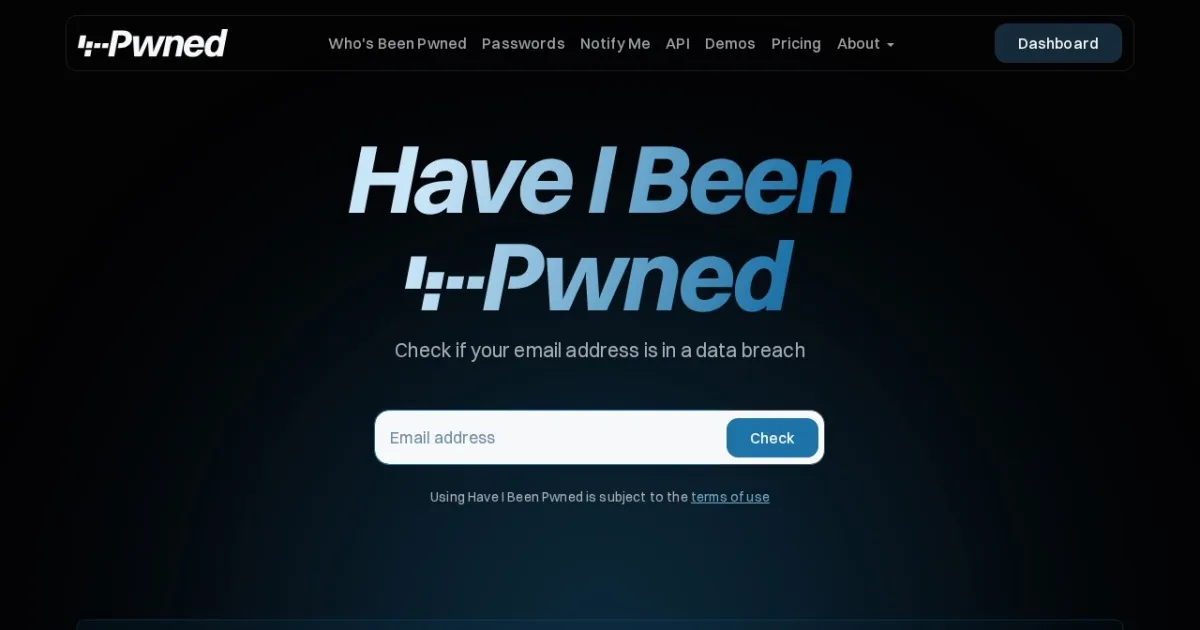
What it is. A free, long-running breach-notification service by a respected security researcher: enter your email and see which known data breaches included it, and what data leaked (passwords, phone numbers, addresses).
When you need it. Before securing your exchange account, run your email through it. Most crypto account takeovers don't involve sophisticated hacking — they reuse passwords leaked from some unrelated forum years ago. If your email appears in breaches with password data, assume every reused password is public knowledge.
Getting started.
- Check your main email; check older emails you might still use for logins.
- Any hits with passwords? Change that password everywhere it was reused, starting with email and financial accounts.
- Subscribe to notifications so future breaches alert you automatically.
- Draw the real conclusion: unique passwords per site (use a password manager) plus authenticator-app 2FA.
Safety reminder. The site is safe to use — it never asks for passwords, only the email address. Combine the results with the security steps in our account setup guide: anti-phishing code, app-based 2FA, and no SMS-only protection on anything that holds money.